Subscription Management
Manage your Printago subscription and billing.
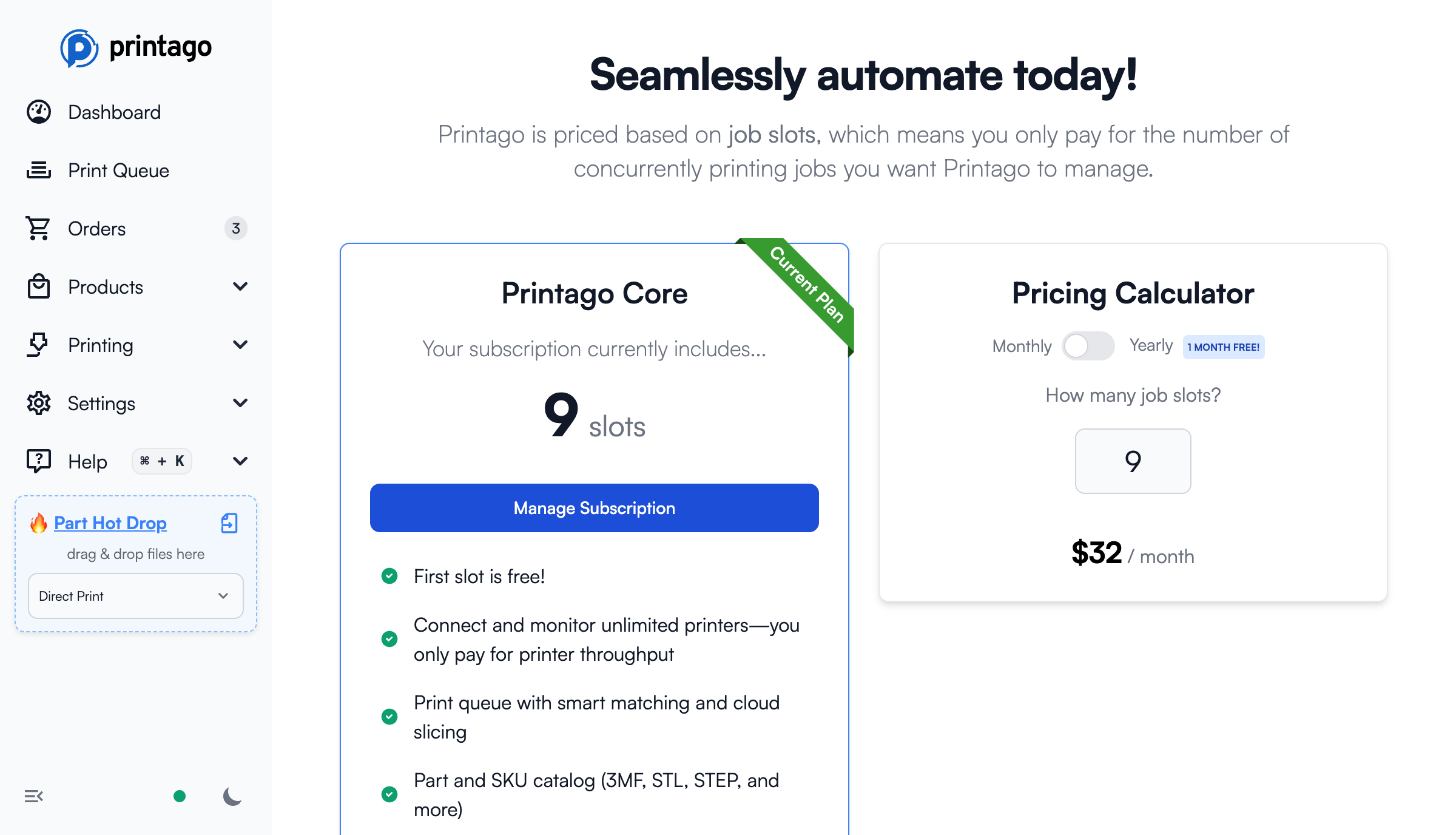
Account Types
Printago has two types of accounts:
Non-Commercial (Hobbyist/Personal)
- Free forever with unlimited production slots
- Connect unlimited printers at no charge
- Limited access to commercial features (no SKUs, Orders, or API access)
Commercial
- First production slot is free
- Additional slots are $4/month each
- Full access to all Printago features including SKUs, Orders, and API
- Connect unlimited printers at no charge
Production Slots
Want to see how production slots work? Try the interactive demo — drag the slider to see how slots control throughput across your farm.
Printago's pricing is based on "production slots" - not the number of printers you connect. Production slots control how many simultaneous jobs from your queue Printago will process and monitor at once.
How It Works: Even with 20 printers and 100 queued jobs, if you have 5 production slots, Printago will process 5 jobs simultaneously. When one completes, the next job starts on any available printer with the required materials.
This allows your subscription to scale with your business demands on a month-to-month basis. Annual commitments come with discounts.
Managing Your Subscription
Accessing Subscription Settings
- From Queue Page: Click "Manage Job Slots" button on the In-Progress tab
- From Settings: Navigate to
Settings -> Subscriptions
The Subscriptions page lists your active subscriptions with their status, slot count, and billing interval (monthly or yearly).
Managing Production Slots
Click Manage on your plan to open the Stripe portal where you can:
- Add or remove production slots
- Update billing information
- View billing history
- Change payment methods
Add-ons
Add-ons extend Printago with integrations and extra features, and are turned on per store from Add-Ons > Marketplace. See Addons for the full list.
Activating an add-on
Click More info on an add-on's Marketplace card to open its page, then click Activate (Cost Catalog's button reads Enable Experimental Addon or Enable Now). The add-on turns on for your store straight away, and its card shows Active with a Manage button. Add-ons marked Free in the Marketplace, such as Classwork, Claude Code, and ShipStation, cost nothing to use.
Activating an add-on requires the subscription.manage permission, which by default only the store owner has. See Permissions.
Deactivating an add-on
Maintenance Tracker and Classwork can be switched off from their Marketplace card with the × button next to Manage. Your data is kept, so you can turn them back on later.
Paid add-on subscriptions
Paid add-on subscriptions appear on the Subscriptions page (Settings > Subscriptions) under your Printago plan, each with its tier and whether it's billed monthly or yearly. Click Manage on one to open that add-on's page.
Account Type Changes
Upgrading to Commercial: Non-commercial users can upgrade their accounts to commercial at any time through the subscription settings.
Downgrading to Non-Commercial: Commercial users who need to switch back to non-commercial should contact support for assistance.