Assistant
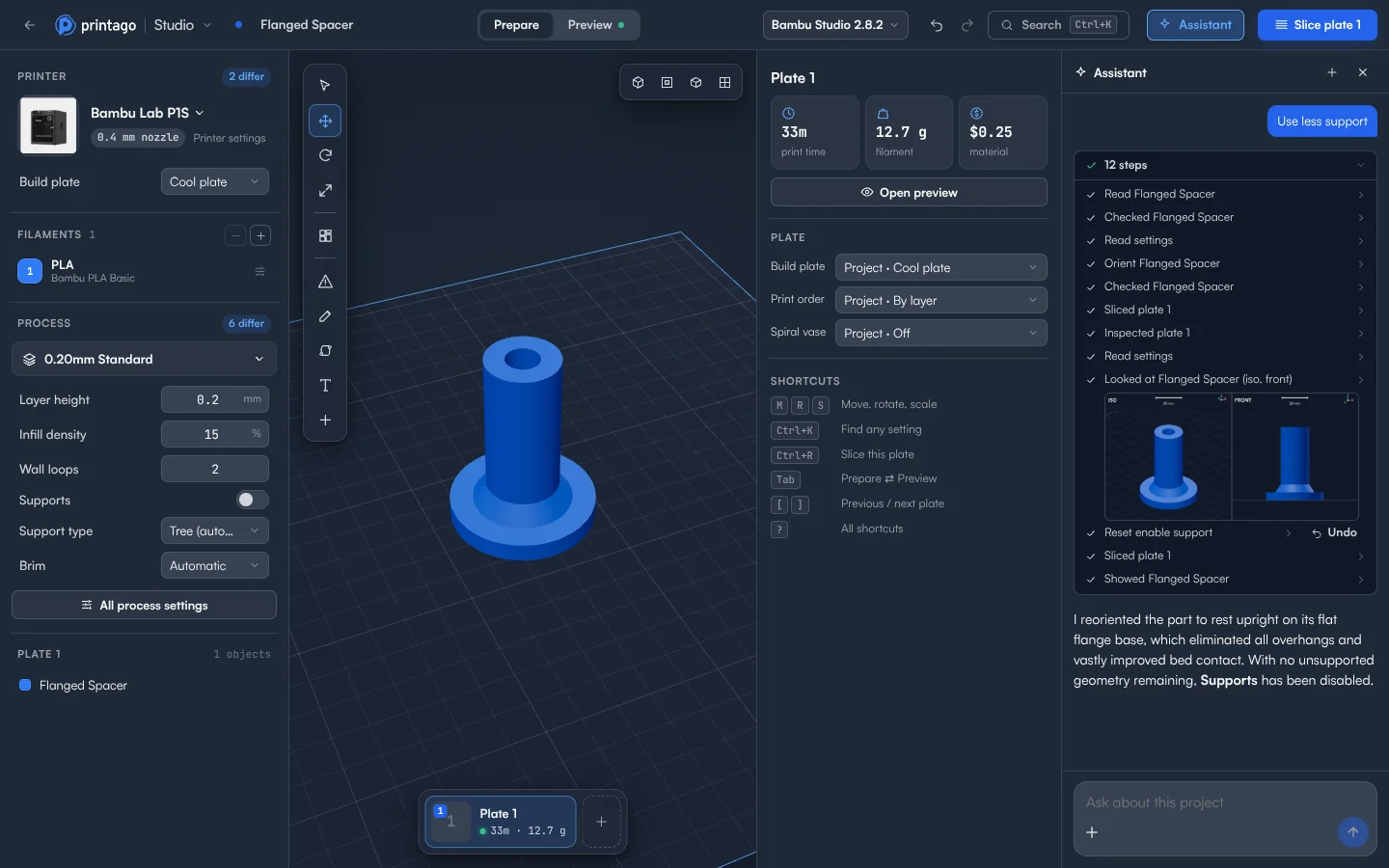
The assistant is built into Printago Studio. Tell it what you want in plain words, and it works on the open project: it looks at the model, makes the change, slices the plate and checks the result.
Opening it
Click Assistant in the top bar. It opens beside the 3D view. Type in Ask about this project, and press Enter. New chat starts over.
Suggestions
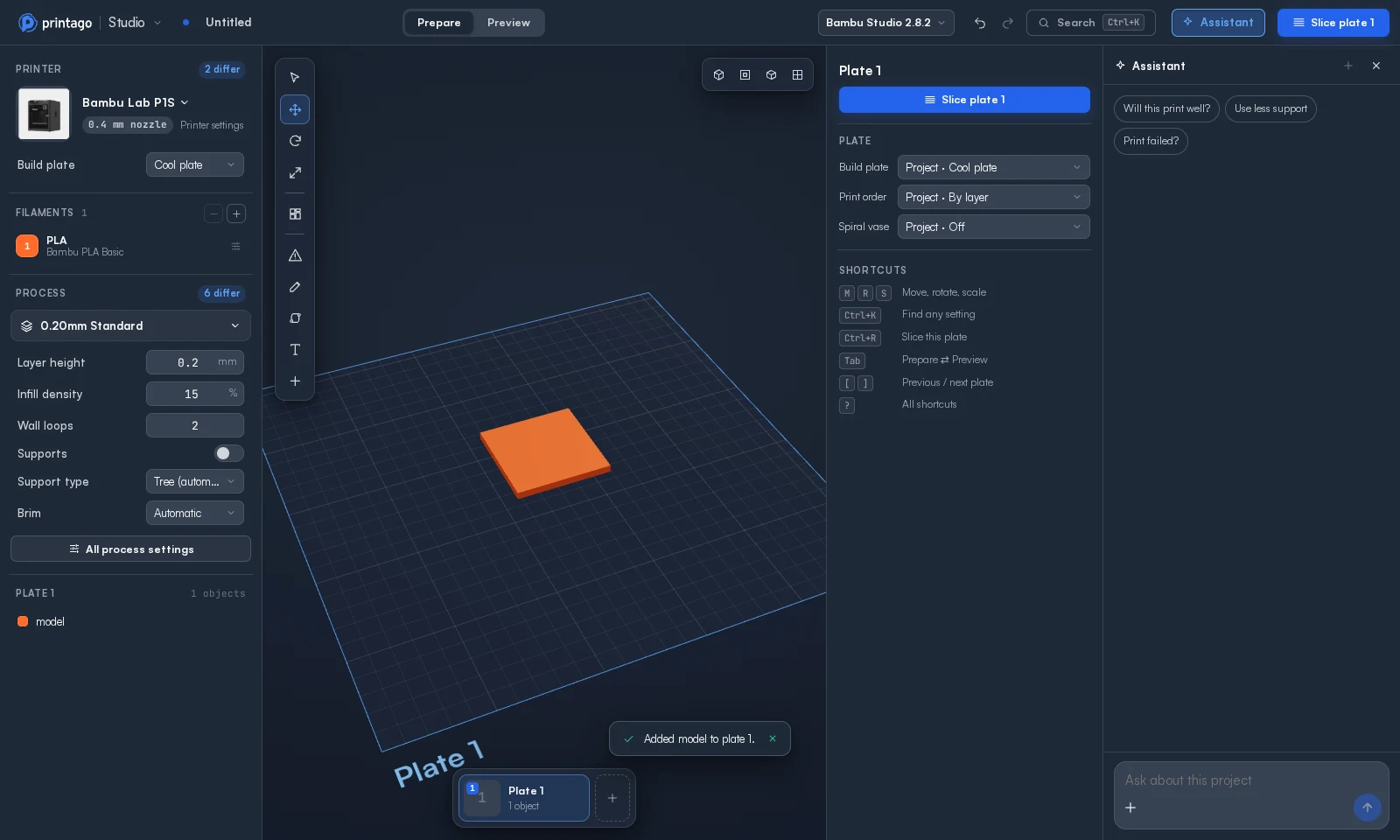
An empty chat offers up to three suggestions that fit what's on the plate. Click one to send it.
| Suggestion | When it shows |
|---|---|
| Make a phone stand, Make a name tag | The plate is empty |
| Will this print well? | Something is on the plate |
| Fix the mesh | A part has a problem a repair would change |
| Use less support | A part has real overhangs |
| Customize name | The object has text that isn't a Printago parameter yet |
| Change its size | The selected object has a size option |
| Print faster | The plate has a current slice |
| Add a name | The selected object has no text |
| Print failed? | Always. It asks for a photo of the print |
Asking about a failed print
Attach a photo with + in the message box, or drag it onto the panel, and describe what went wrong. The assistant finds that place on the model and in the toolpaths. Treat its answer as a strong lead: the same photo can get different explanations.
What it can do
- Turn, arrange, copy and move objects, and add plates
- Change process, printer, filament and object settings, and switch presets
- Paint seams and supports, and add modifiers, height ranges and variable layer heights
- Add and change text, and make it a Printago parameter
- Cut, split, join, mirror, repair and simplify models
- Add pauses, filament changes and G-code at a layer
- Slice the plate and read the toolpaths
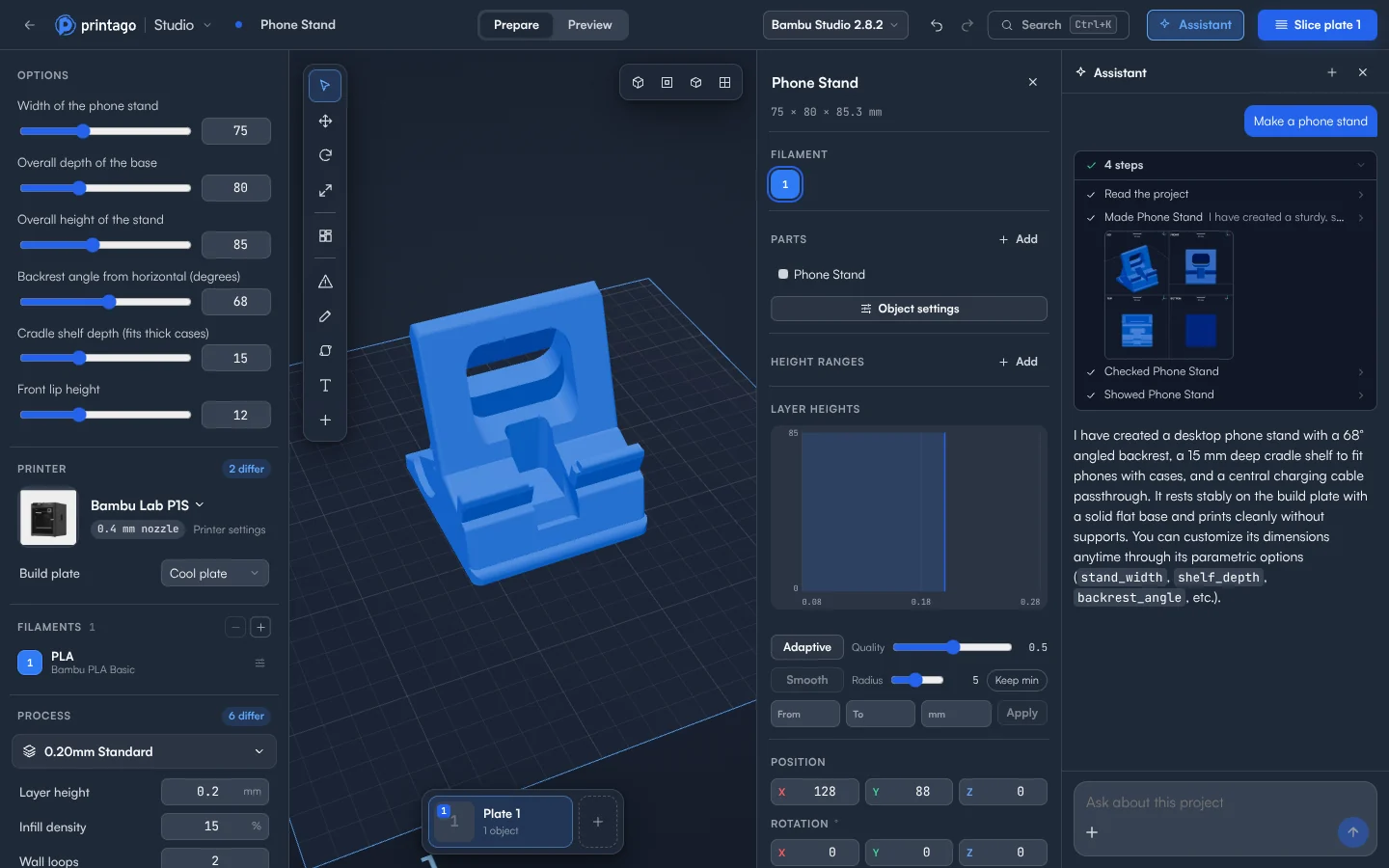
- Make a model from a description
Staying in control
Every change shows on the plate as it happens and is its own step in Undo. Changing the model yourself while the assistant is working on it stops the assistant, and your change is kept. A setting your role or teacher has locked stays locked.
Check its work in Preview before you print.
Limits
The assistant only helps with 3D printing and Printago Studio, and it has a daily allowance. When that's used up, it says so. Slices and OpenSCAD renders it runs count toward your slicing and rendering time.