Printago Mobile App
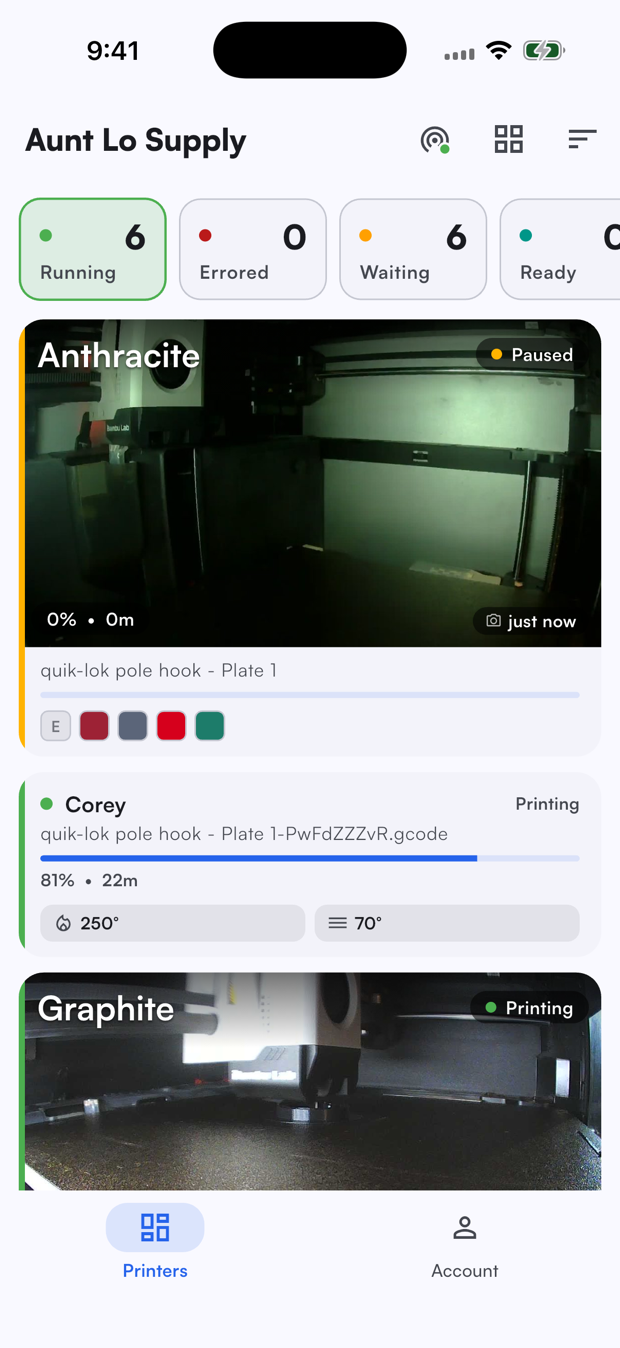
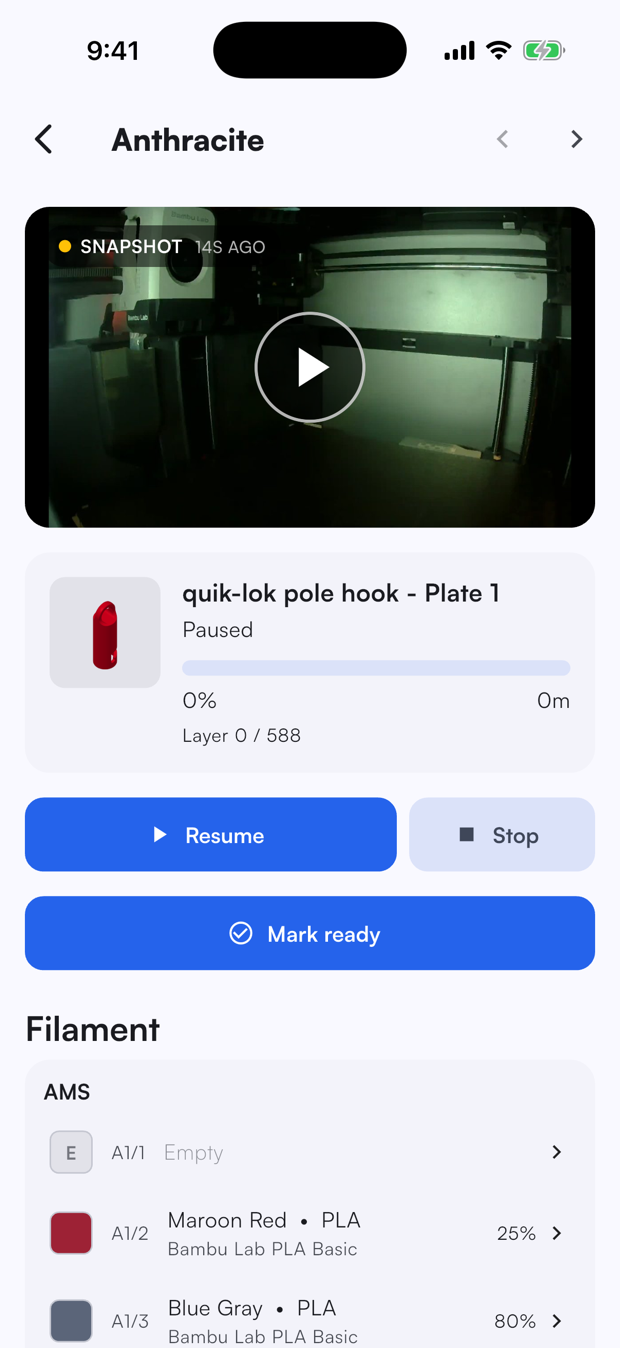
The Printago mobile app puts your print farm in your pocket. Monitor every printer's live camera, follow print progress, pause or stop a job, adjust temperatures, and reassign filament, all from your phone or tablet.
The app is a companion to the web dashboard, not a replacement. It focuses on the things you reach for when you are away from your desk: keeping an eye on running prints and stepping in when something needs attention.
Availability
- iOS / iPadOS - Available now on the App Store.
- Android - Available now on the Google Play Store.
The app runs on phones and tablets across both platforms, adapting its layout to the screen size. See Using on a Tablet for the larger-screen experience.
Installing
- Open the App Store on iPhone or iPad, or the Google Play Store on Android (or search for Printago).
- Install the app.
- Open the app once it finishes downloading.
Signing in
Sign in with the same Printago email and password you use on the web. If you have not set up an account yet, create one at app.printago.io first.
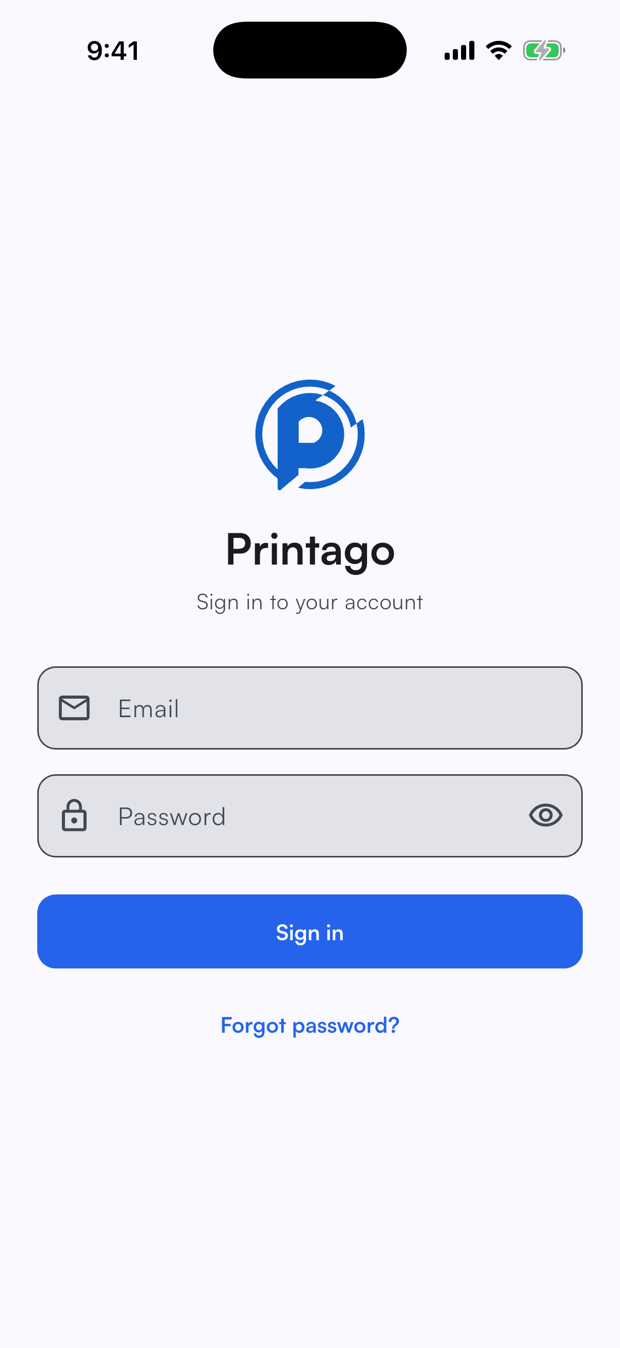
If you forget your password, tap Forgot password? to receive a reset email.
Account and stores
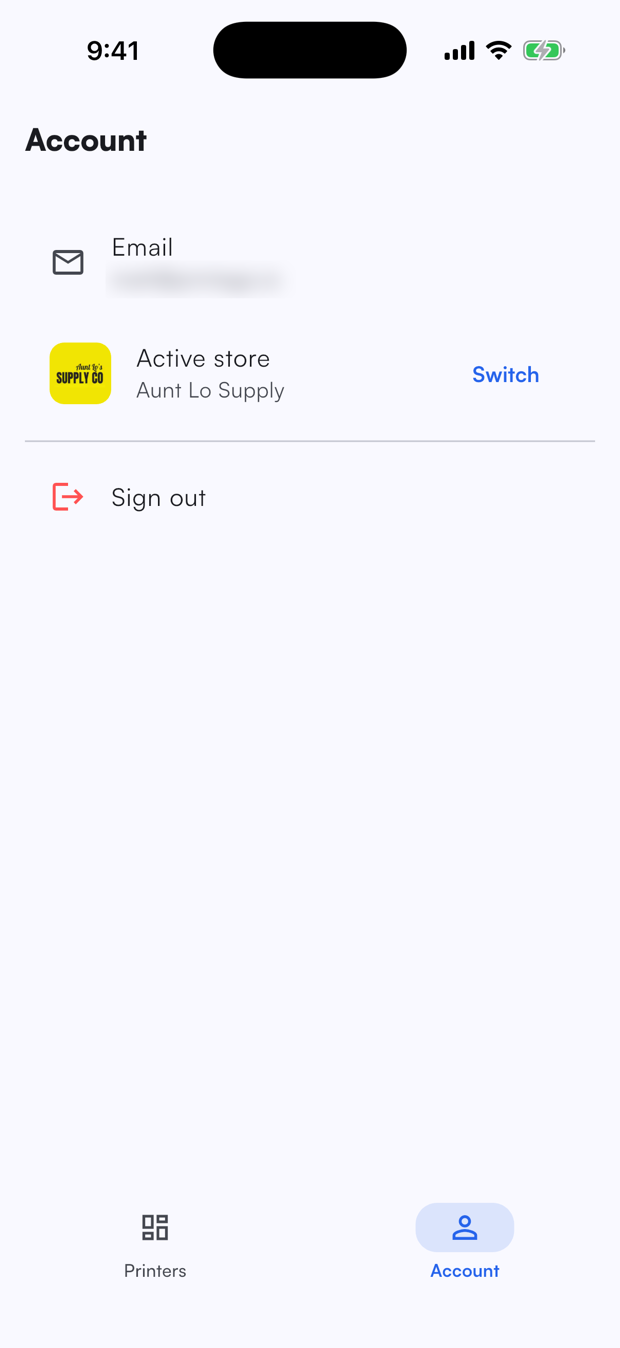
The Account tab shows the email you signed in with and your active store. If you belong to more than one store, tap Switch to change which store the app is showing. All dashboard and printer data follows the active store.
Tap Sign out to log out of the app.
Permissions
The app respects the same roles and permissions as the web dashboard. What you can see and do is determined by your role in the active store:
- Live cameras require the
printer.camerapermission. - Pausing, stopping, and adjusting printers require the relevant printer control permissions.
If a control is hidden or a camera does not appear, check your role under Admin → Team on the web dashboard.
What you can do
- Monitor your fleet from a live camera grid.
- Open a printer to watch its camera and follow print progress.
- Pause, resume, or stop a print.
- Adjust temperatures and toggles for the nozzle, bed, light, and fan.
- Reassign filament in any AMS slot or external spool.